An easy-to-use music creation app for iOS and Android.
Create musical ideas and make beats.
Perform live arrangements by triggering parts.
Play and record using intuitive touchscreen instruments and effects.
Export to the full YuStudio for further recording and mixing
Log in to start sketching ideas, playing and performing live!
For Mobile
Sounds
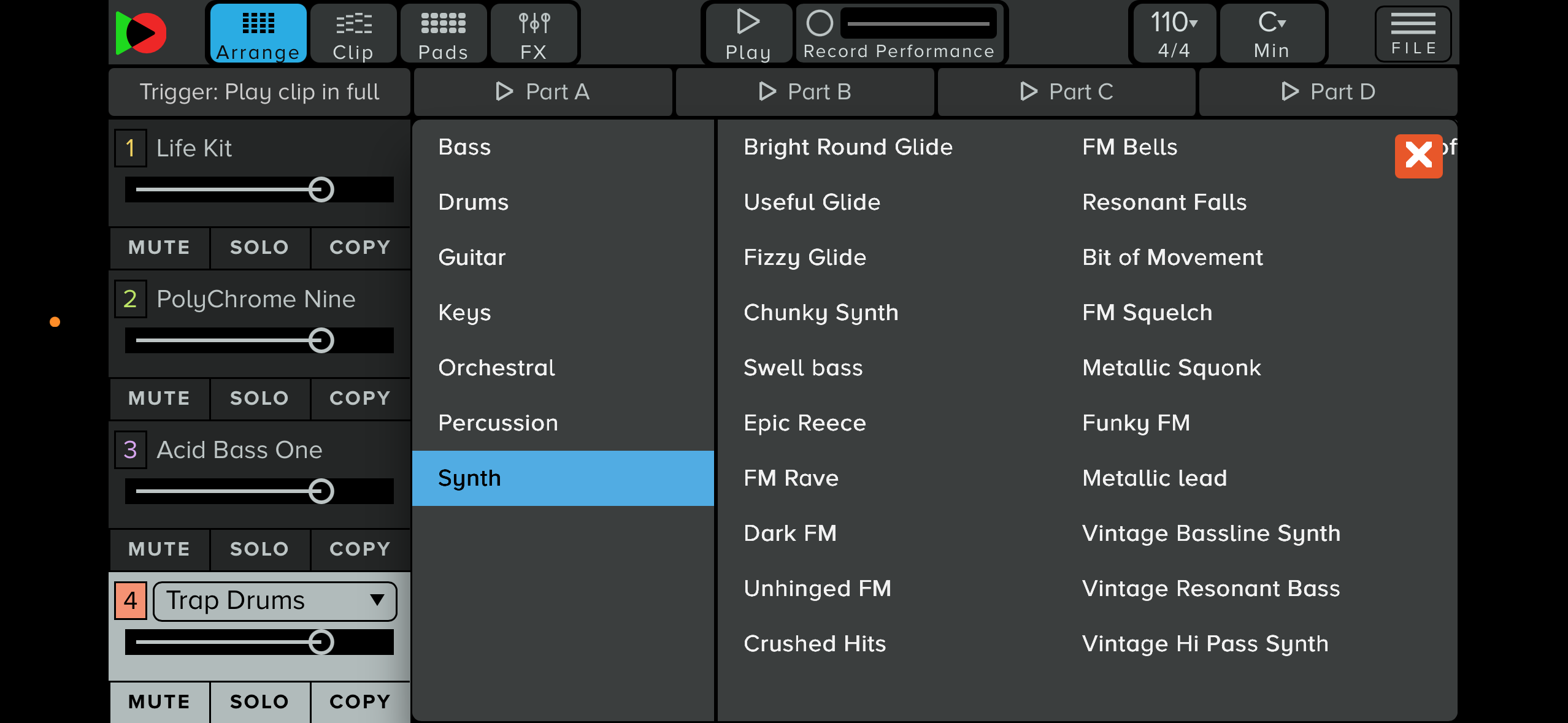
YuStudio Mobile offers a wide range of sounds – Drum Kits, Basses, Synths, Orchestral, Acoustic and more
All sounds can be triggered using the on-screen keyboard or drum pads, and programmed into patterns on the fly.
Synth sounds offer additional sound design possibilities once opened in the full YuStudio DAW.
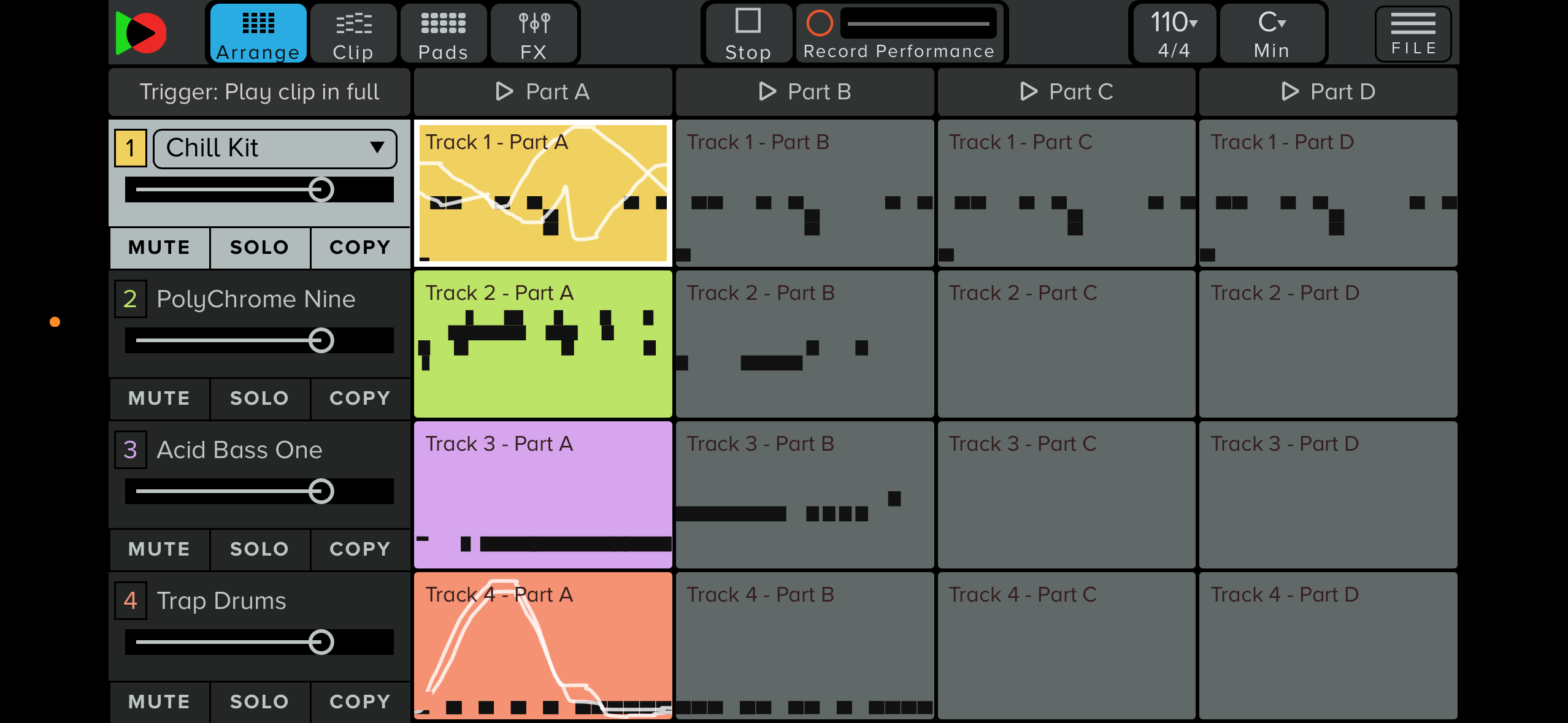
Arrange & Perform
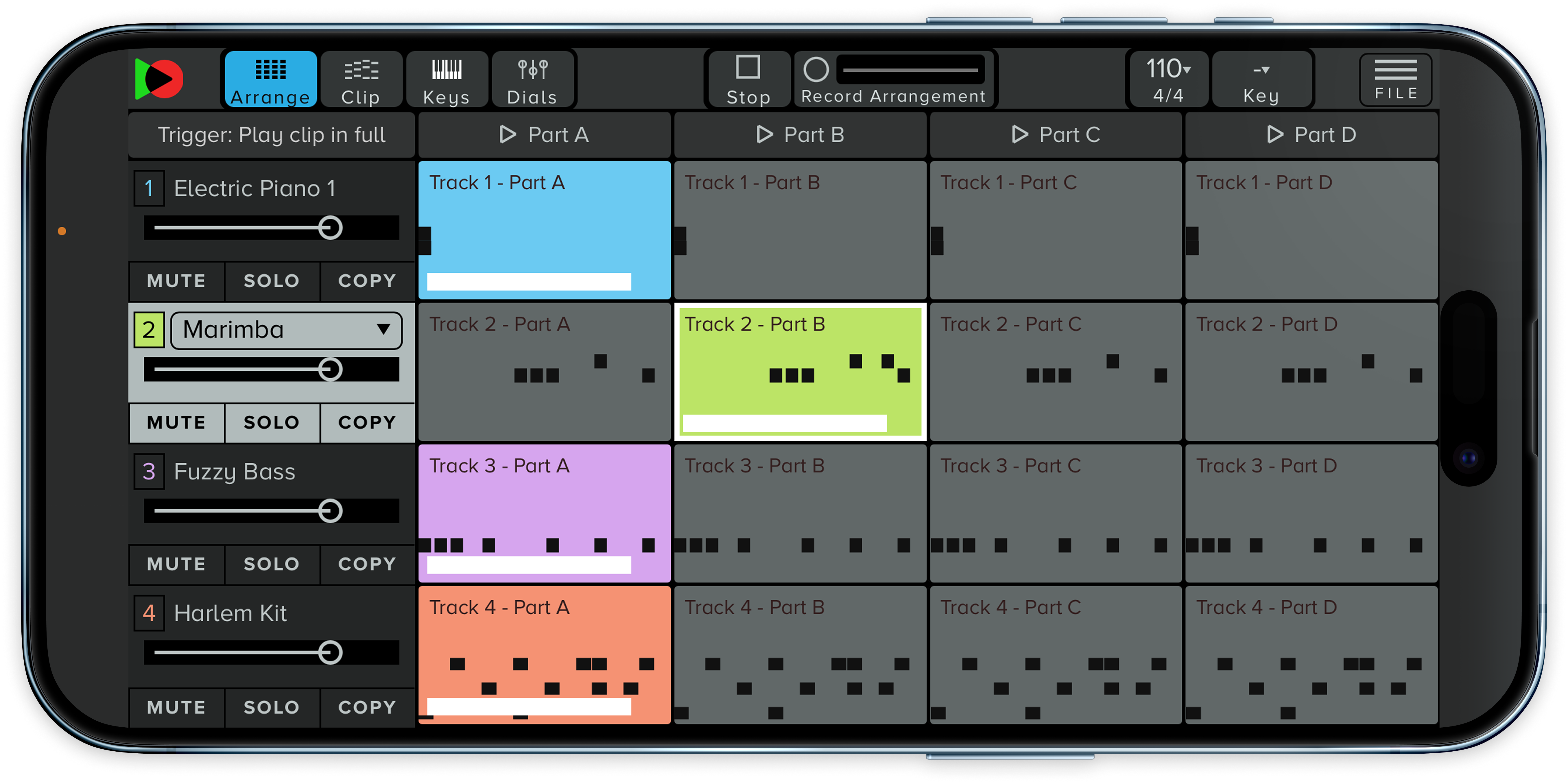
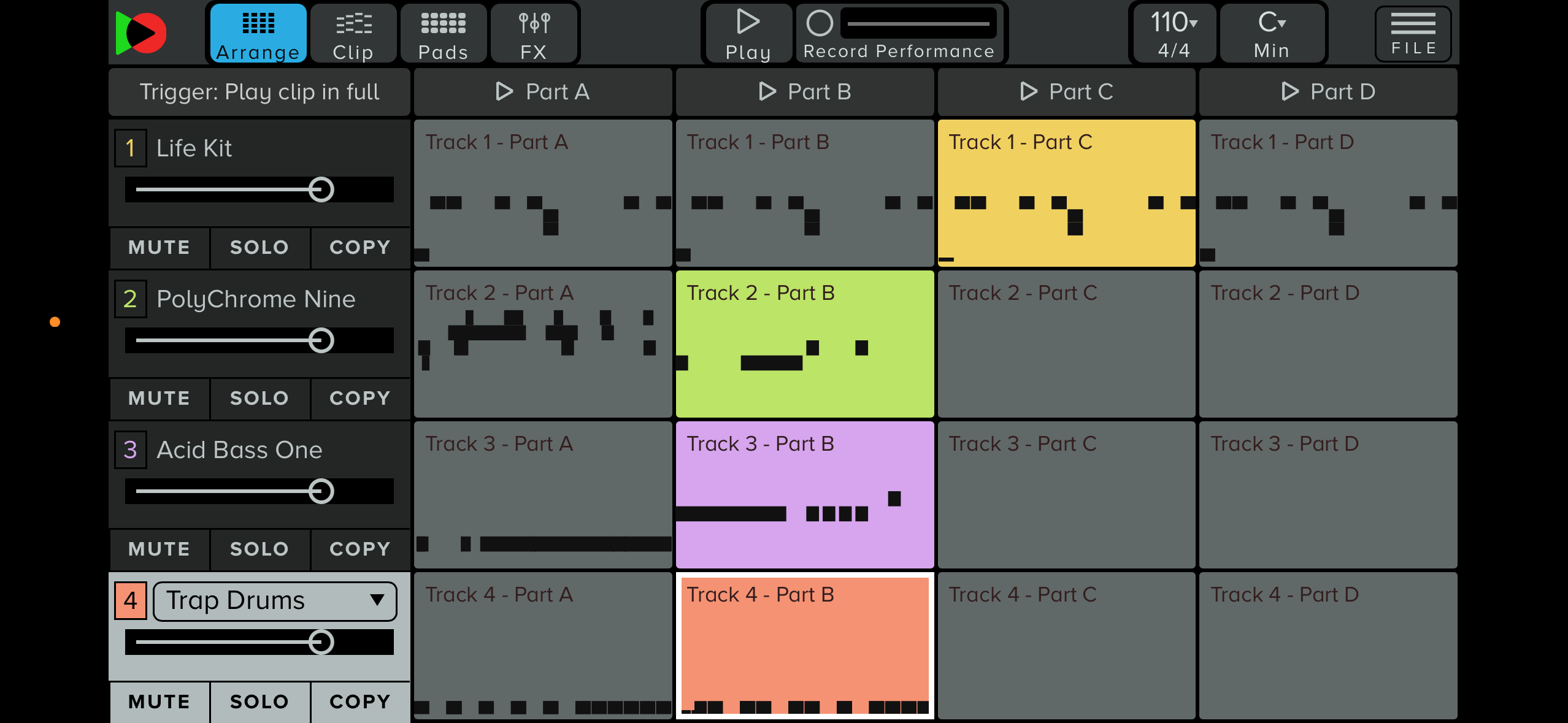
An overview of your entire project, with four 'clips' or parts per instrument.
Trigger clips live, in different combinations, to perform your arrangement.
Play the instruments live over the top of your project using the on-screen keyboard or drum pads.
Manipulate effects live.
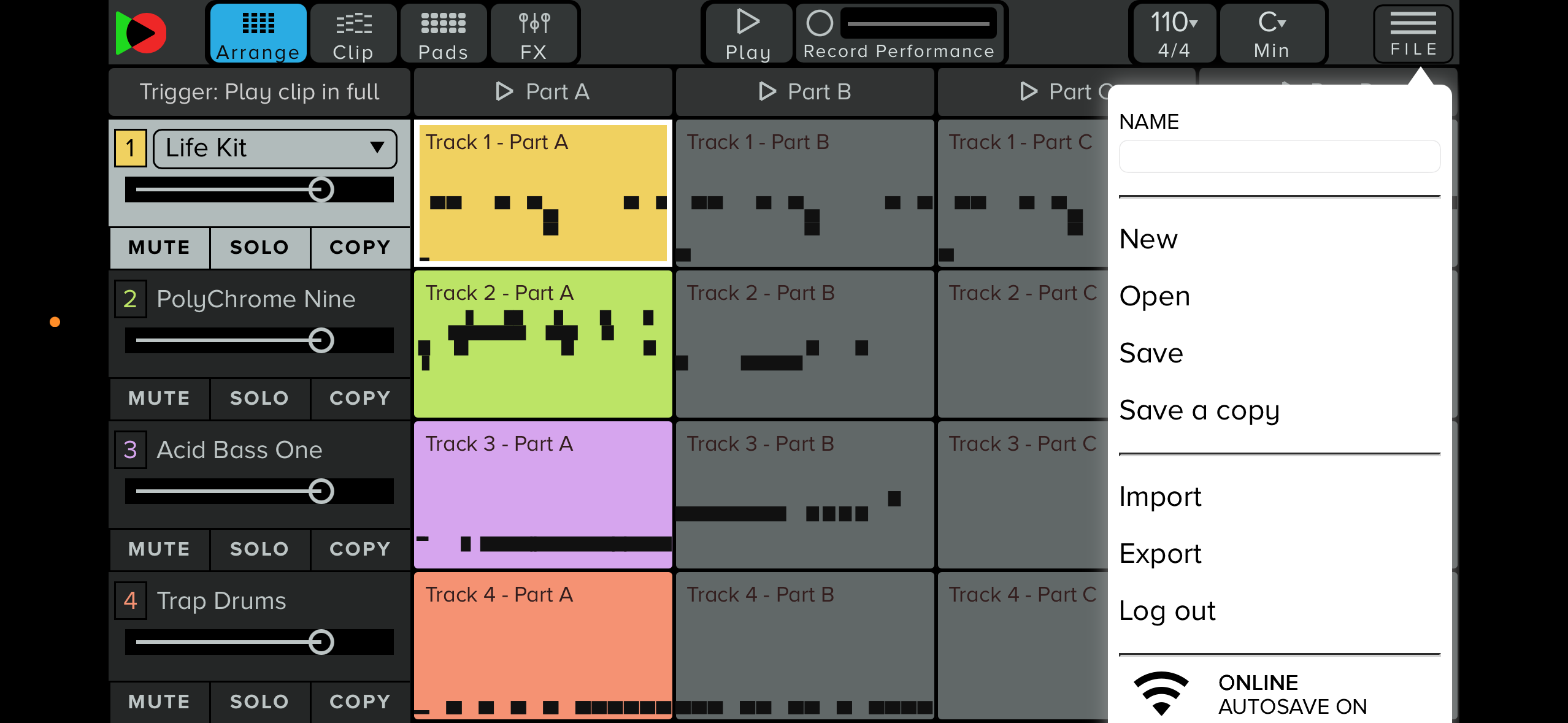
Export to YuStudio
Use your phone as an on-the-go sketchpad.
Hit record to capture your live performance.
Export the performance from YuStudio Mobile to use the professional feature set of the full YuStudio online DAW.
Develop, refine, mix, and master your track.
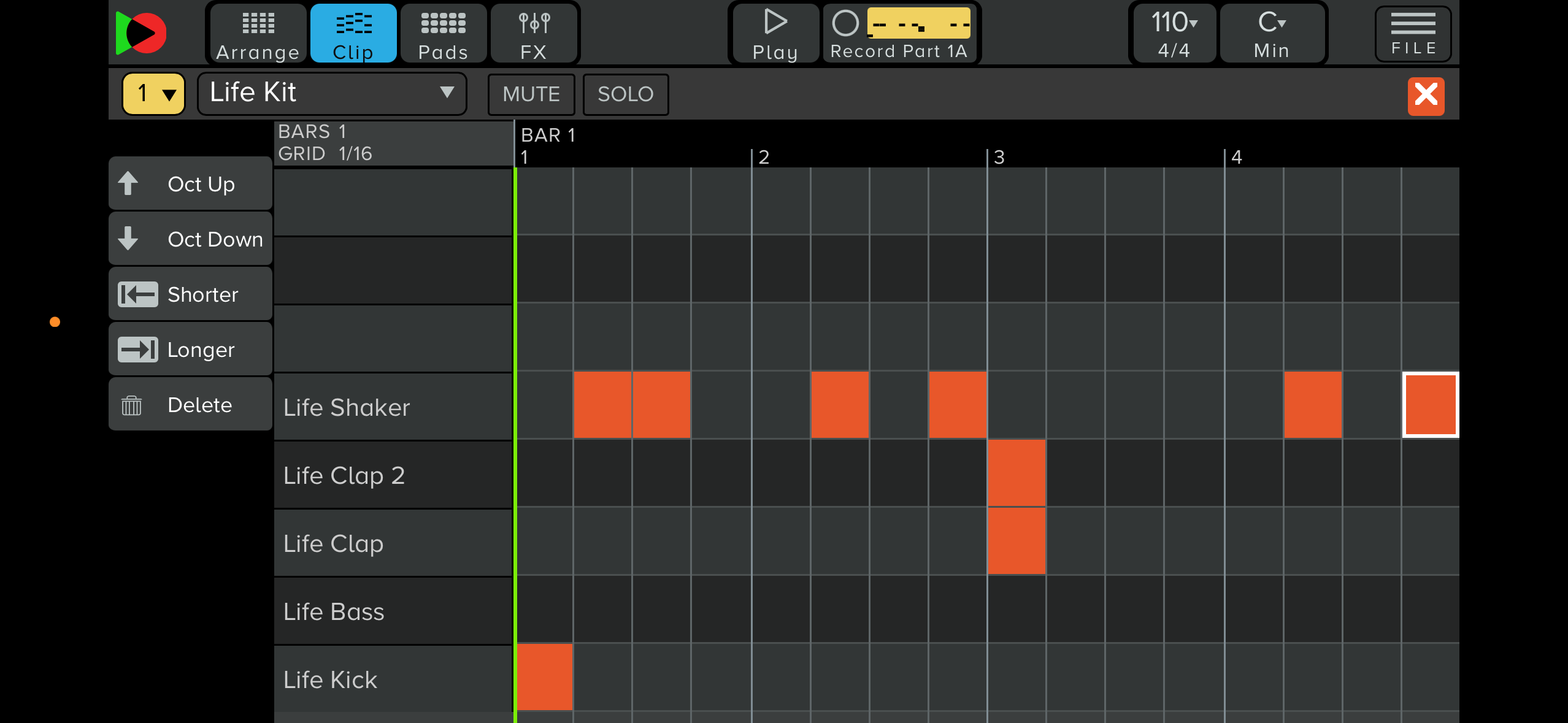
Clips (musical parts)
Individual clips can be edited, triggered during a live performance or exported to the main DAW.
Each clip contains a separate part of your project – up to 4 parts per instrument.
Clips can be copied from pad to pad using the copy function to develop ideas easily.
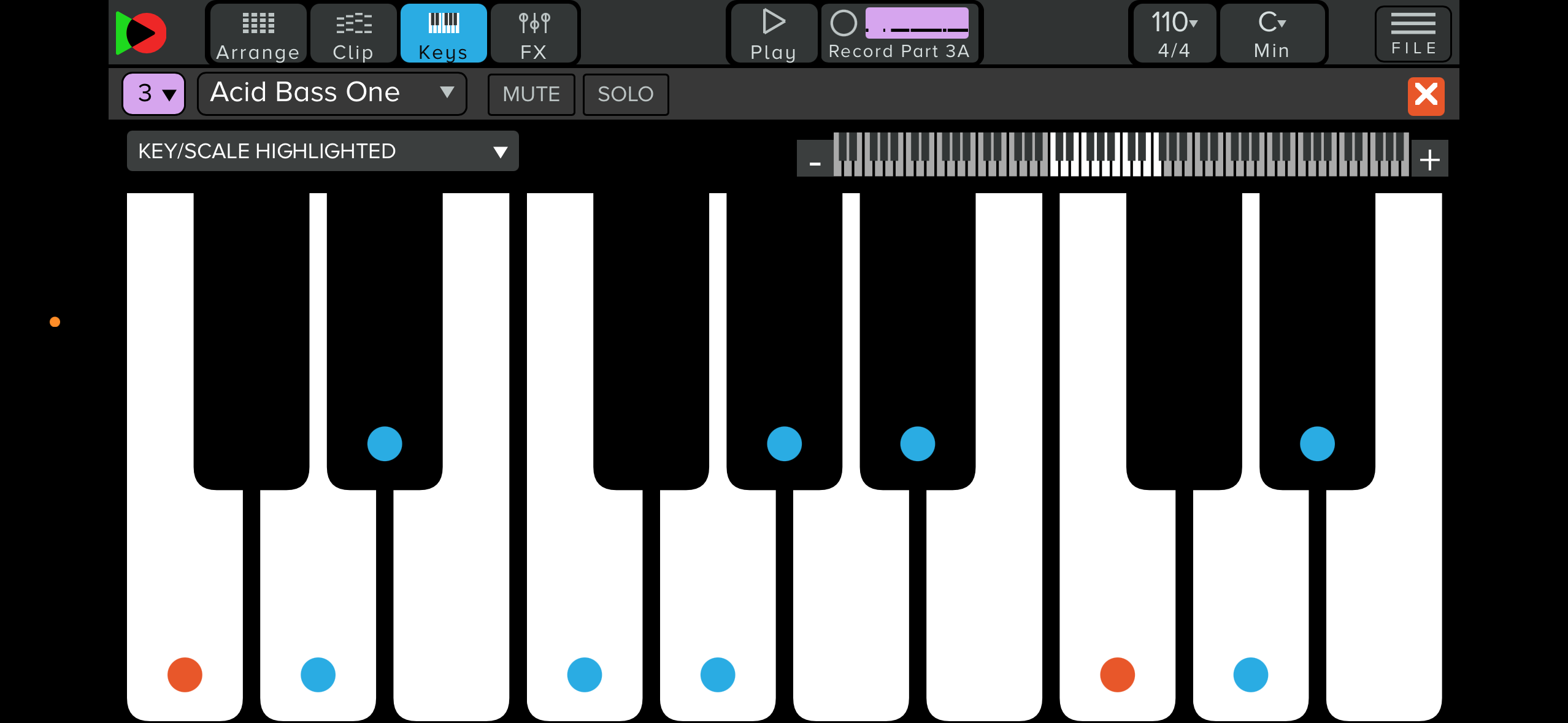
Onscreen Keys and Drum Pads
Touchscreen pads can be used to trigger sounds and samples, giving you total tactile control of rhythmic input, for live performance or recording your ideas into clips.
Use this feature to perform live or to record ideas into clips or live performance recordings.
Chunky on-screen keys let you turn your smartphone into a live performance device or a sonic sketchpad.
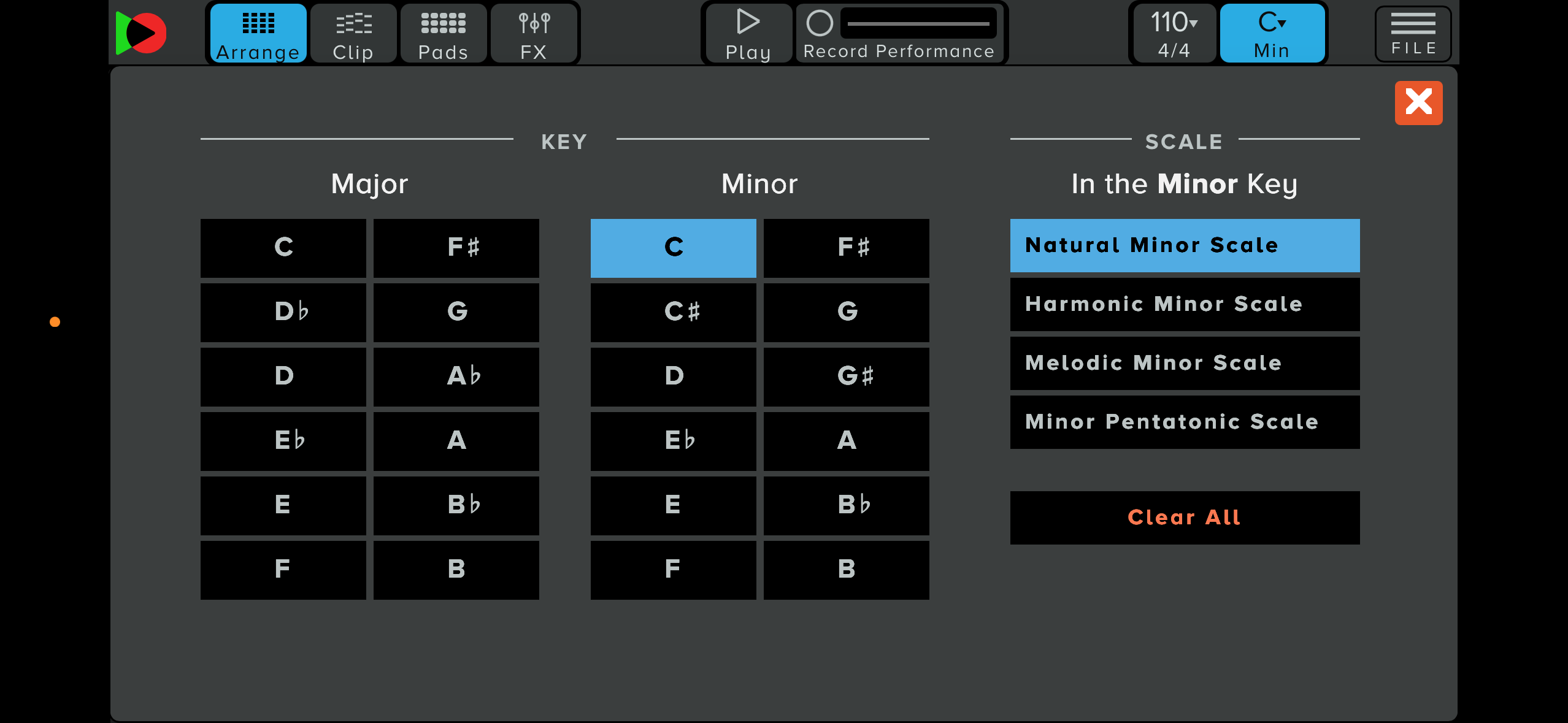
Key Highlighting
Choose a musical key to highlight the notes of the scale, making performance, composition, and recording easier– great support for composition in a key, and for those developing their music theory skills or learning scales.
Highlighting appears both in the clip view and on the playable touchscreen instruments.
This turns your smartphone into an accessible instrument, ideal for beginner ensemble work and tech integration into more traditional projects.
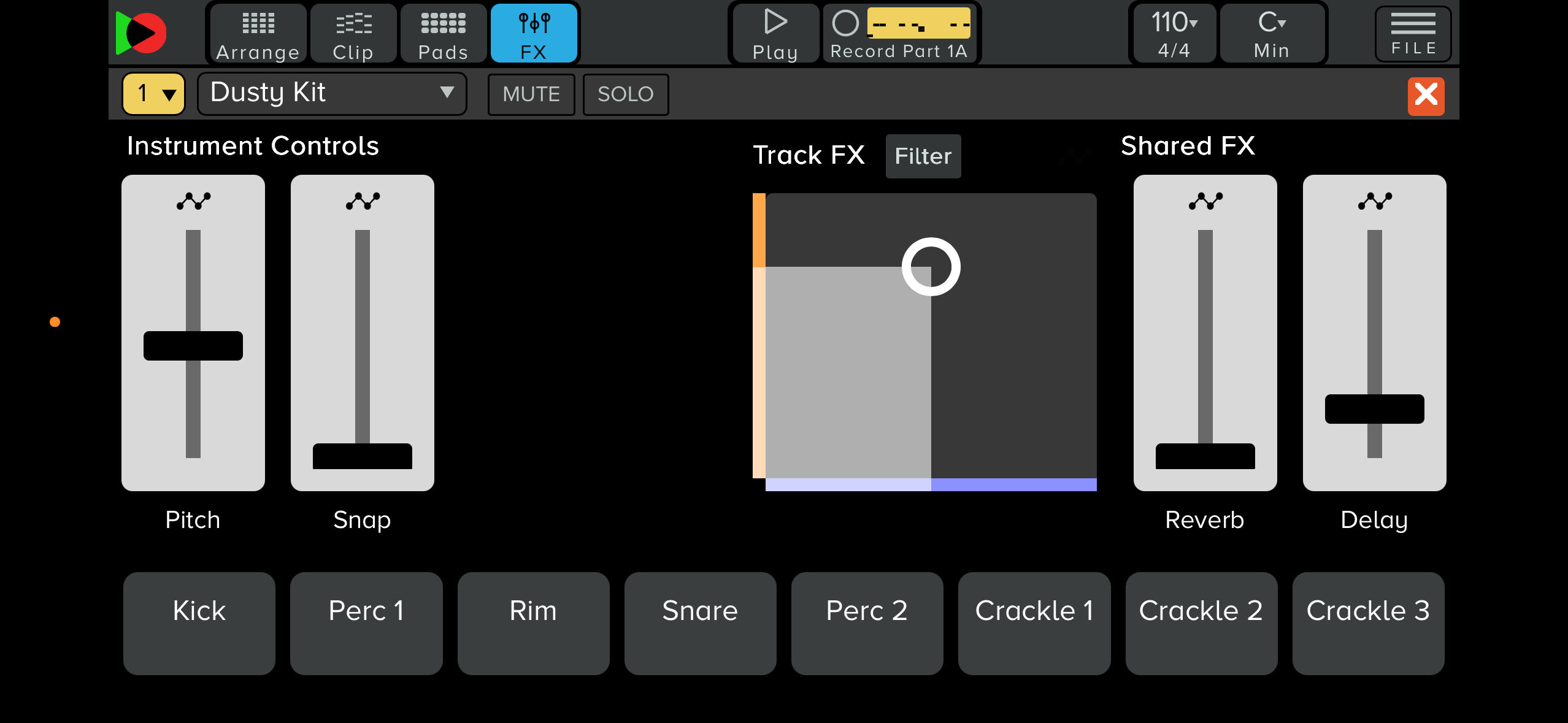
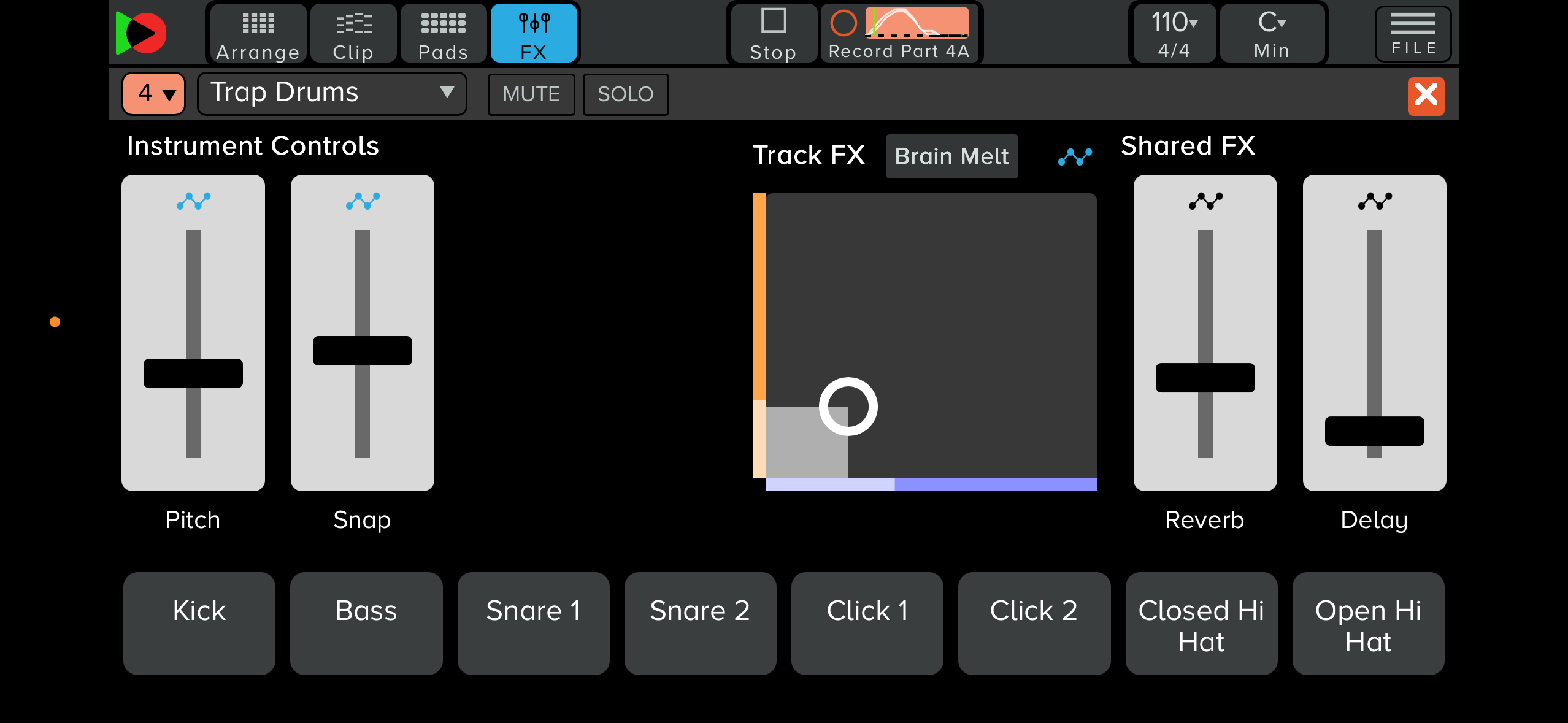
Live Instrument and FX Controls
Each instrument has its own touchscreen controls, plus the ability to add individual track FX and access YuStudio Mobile’s shared FX.
FX include Delay, Reverb, Pitch Shift, Lofi, Wobbler, Warmth, Crusher, Crunch Echo, Filter and Brain Melt.
These can be manipulated live with sliders, or, in the case of Track FX, with an XY-axis controller
Recording Automation
YuStudio Mobile’s sliders and the XY controller can be used to set levels or control FX live. These movements can also be recorded as automation on a per-clip basis, allowing you to create exciting, dynamic FX moves that bring tracks or compositions to life.
All of this automation can then be exported with the project, allowing tweaks and refinement to live sketches created on your smartphone.
Record Performance
When triggering clips, playing live instruments, or manipulating FX during a live performance, YuStudio Mobile can capture the entire performance as a recording.
Performance recordings can be opened in the full YuStudio DAW, allowing you to take live jams and sketches and turn them into fully realised compositions.